IBO Player is the recommended application for accessing OTTARENA. It is available on virtually every platform and operating system, featuring a smooth interface and reliable playback.
Supported Devices
IBO Player is available on the following platforms:
- Android phones and tablets (Google Play Store)
- Amazon Fire TV Stick and Fire TV (Amazon Appstore)
- Windows PC (Microsoft Store)
- macOS (App Store)
- Samsung Smart TV (Tizen - Samsung App Store)
- LG Smart TV (webOS - LG Content Store)
- Apple iPhone and iPad (iOS App Store)
Installing IBO Player on Android
Download IBO Player
Open the Google Play Store on your Android device. Search for "IBO Player" and tap Install.
Open the App
Launch IBO Player after installation. The app will display your device MAC address on the main screen.
Send Your MAC Address
Copy the MAC address and send it to OTTARENA support via WhatsApp (+19398003993) or email ([email protected]).
Wait for Activation
Our team will activate your playlist remotely. This typically takes 5-15 minutes.
Start Watching
Restart IBO Player. Your channels and VOD library will load automatically. Enjoy!
Installing IBO Player on Amazon Firestick
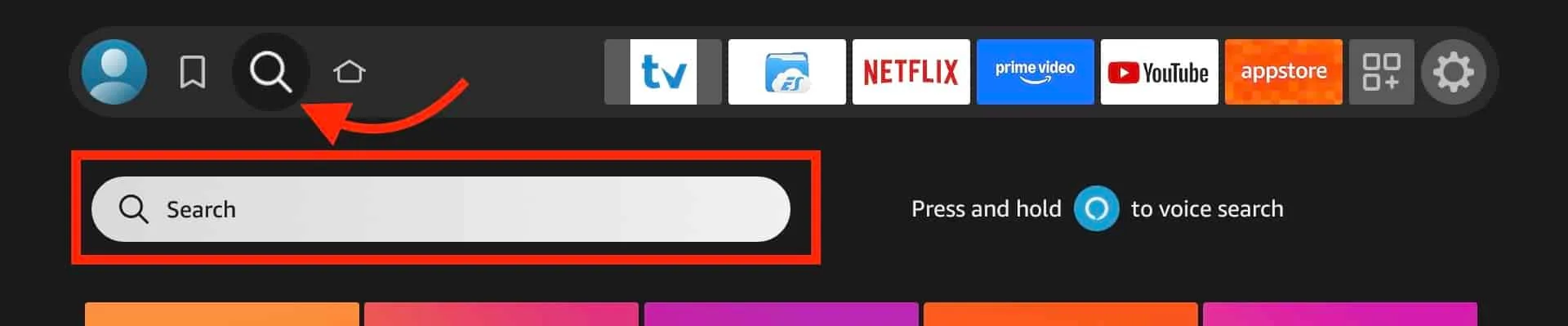
Open the Amazon Appstore
From your Firestick home screen, navigate to the Search icon and type "IBO Player".
Download & Install
Select IBO Player from the search results and click "Get" or "Download".
Note Your MAC Address
Open IBO Player. Your MAC address will be displayed on the home screen.
Contact Support
Send your MAC address to our team via WhatsApp or email for activation.
Enjoy Streaming
Restart the app after activation and start watching 38,000+ live channels.
Installing IBO Player on Windows
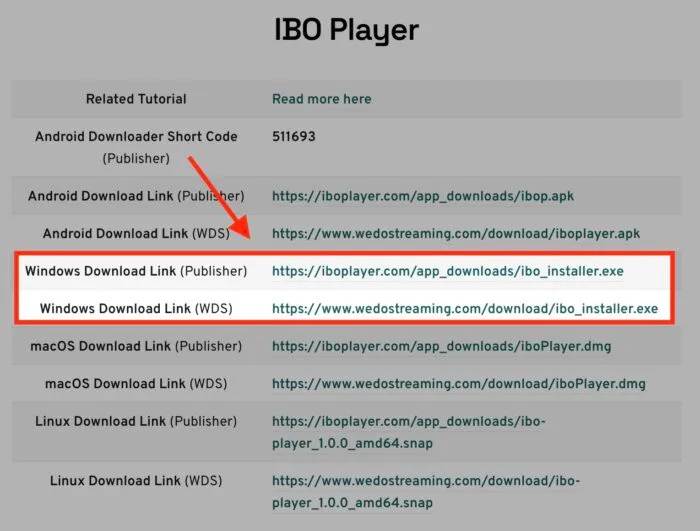
Visit the Microsoft Store
Open the Microsoft Store on your Windows PC and search for "IBO Player".
Install the Application
Click "Get" or "Install" to download IBO Player to your computer.
Share Your MAC Address
Open the app, copy your MAC address, and send it to OTTARENA support.
Activation & Streaming
After activation, restart IBO Player and enjoy your subscription.
Installing IBO Player on macOS
Open the App Store
Launch the App Store on your Mac and search for "IBO Player".
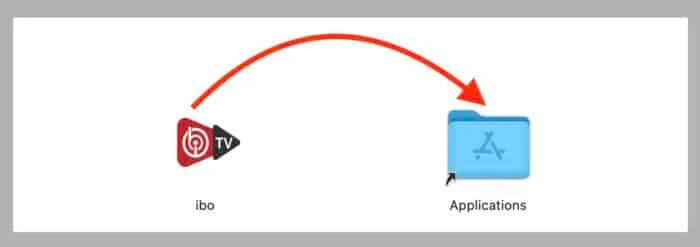
Download & Install
Click "Get" to download and install the application.
Send MAC Address
Open IBO Player, note the MAC address, and send it to our support team.
Start Streaming
Once activated, restart the app and enjoy the full OTTARENA library.
Installing IBO Player on Samsung & LG Smart TV
Access Your TV App Store
On Samsung TV, open Samsung App Store. On LG TV, open the LG Content Store.
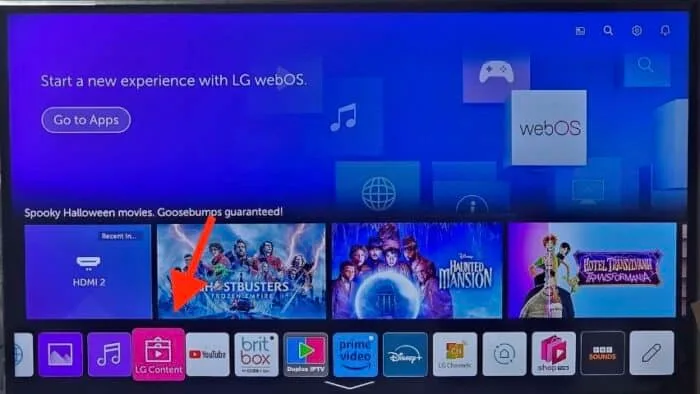
Search & Install
Search for "IBO Player" and install the application.
Note Your MAC Address
Open the app and locate your device MAC address on the main screen.
Contact OTTARENA
Send your MAC address via WhatsApp (+19398003993) or email ([email protected]).
Begin Watching
After activation, restart IBO Player on your TV and enjoy premium IPTV content.
Need Help With Setup?
Our support team is available 24/7 to assist with installation and configuration.
Contact Support